| whitepress® | 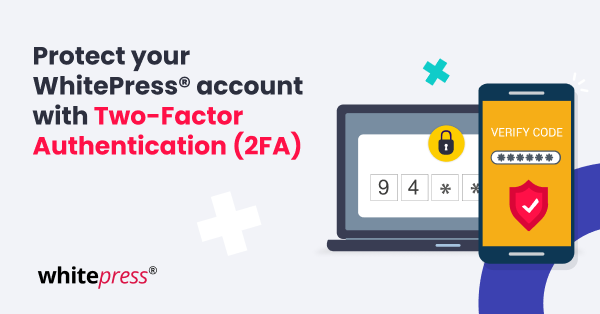 |
At WhitePress®, your security is our top priority. Unlike many platforms that use Two-Factor Authentication (2FA) solely for login, we extend this extra layer of protection to safeguard your financial transactions as well. What does it mean for you? While all the platform functions and the way you work with us remain the same, for some actions an additional verification (using a code) is going to be needed. This approach provides you with added protection, minimizing potential losses and reducing issues related to unauthorized withdrawals. | | Enable 2FA using the app today for enhanced security and greater peace of mind. | An extra layer of security 2FA is now required for: -
Withdrawing funds - Changing your password
- Updating billing details
- Adding or editing sub-accounts
- (Optional) logging in, if you choose to enable it
Quick and simple to set up You can choose your preferred method of managing the 2FA: - Email codes – sent directly to your inbox (default option)
- Authenticator app codes – For maximum security and convenience, we recommend connecting a mobile authenticator app like Google Authenticator or Microsoft Authenticator
How to set up the 2FA app? Go to Settings → Password & Security in your account. Below you'll find a simple guide that shows you step by step how to activate it, follow the instructions and secure your account in minutes. | Check how to stay safe here. | Why using the 2FA app is a recommended option? -
Stronger protection for your login and personal data -
Maximum safety for your account funds -
Complete peace of mind when you use the platform Your maximum security is our priority. Don't wait — enable 2FA using the app today and enjoy a safer WhitePress® experience. | Με εκτίμηση,
Η Ομάδα της WhitePress®
greece@whitepress.com | | | | |
